
- All
- Product Name
- Product Keyword
- Product Model
- Product Summary
- Product Description
- Multi Field Search
Views: 7 Author: Site Editor Publish Time: 2024-05-05 Origin: Site
In the age of wireless technology, the convenience of Bluetooth connectivity has revolutionized the way we interact with our devices. But what if you have a reliable wired microphone and want to connect it to a Bluetooth speaker for a seamless audio experience? Fear not, as we unravel the steps to bridge the gap between the old and the new, ensuring you can make the most out of your equipment setup.
diving into the technicalities, let's grasp the fundamentals. A wired microphone, such as the renowned oksn Wired Microphone, relies on physical cables to transmit audio signals. On the other hand, a Bluetooth speaker, like the oksn Gooseneck Microphone or oksn Karaoke Microphone, utilizes wireless technology to receive and play audio from compatible devices.
To accomplish the connection between your wired microphone and Bluetooth speaker, you'll require a few essential components:
Wired Microphone: Choose a reliable wired microphone like the oksn Wired Microphone for optimal audio quality.
Bluetooth Speaker: Ensure your Bluetooth speaker is compatible with audio input from external devices.
Audio Interface (Optional): If your microphone requires an XLR connection and your Bluetooth speaker lacks an XLR input, you may need an audio interface to convert the signal.
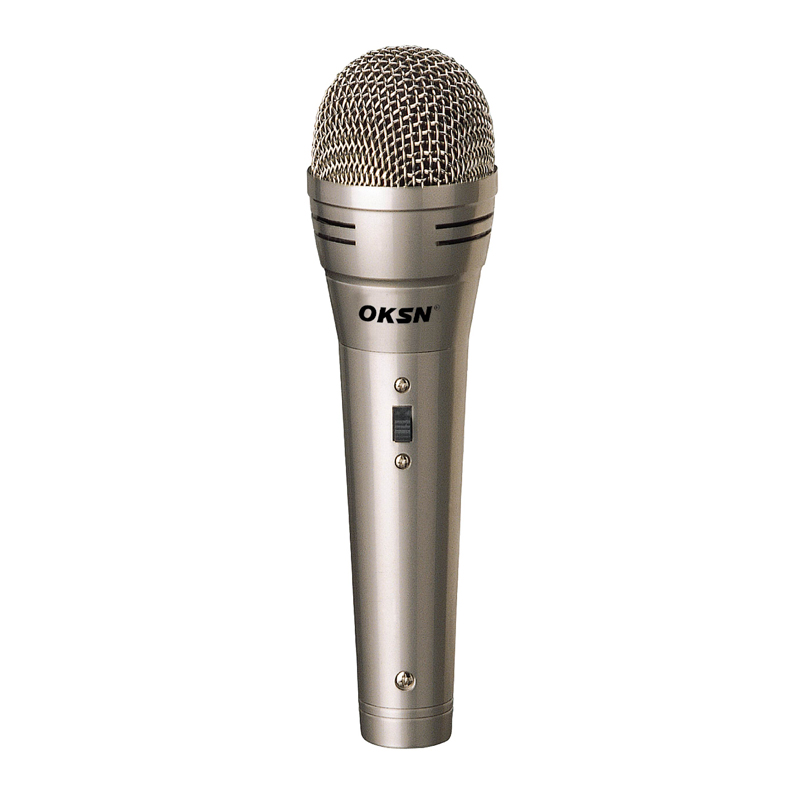
Now, let's proceed with the step-by-step process of connecting your wired microphone to a Bluetooth speaker:
Check Compatibility
Verify that your wired microphone and Bluetooth speaker are compatible with each other. Ensure that the microphone's output matches the input requirements of the Bluetooth speaker.
Locate Ports
Identify the audio input ports on both the wired microphone and the Bluetooth speaker. Typically, the microphone will have an XLR or 1/4-inch jack, while the speaker should have an auxiliary (AUX) or audio input port.
Choose Connection Method
Depending on the available ports and adapters, decide on the appropriate connection method. If both devices have matching ports, simply connect them using the corresponding cable. If not, you may need to use adapters or an audio interface for compatibility.
Connect the Cable
Connect one end of the cable to the output port of the wired microphone and the other end to the input port of the Bluetooth speaker. Ensure a secure connection to prevent audio interference or signal loss.
Power On
Power on both the microphone and the Bluetooth speaker. Make sure they are properly powered and ready to transmit and receive audio signals.
Pairing (For Bluetooth Speakers)
If your Bluetooth speaker requires pairing with external devices, activate its pairing mode. Refer to the speaker's user manual for instructions on how to enable pairing and connect it to your smartphone, tablet, or other Bluetooth-enabled devices.
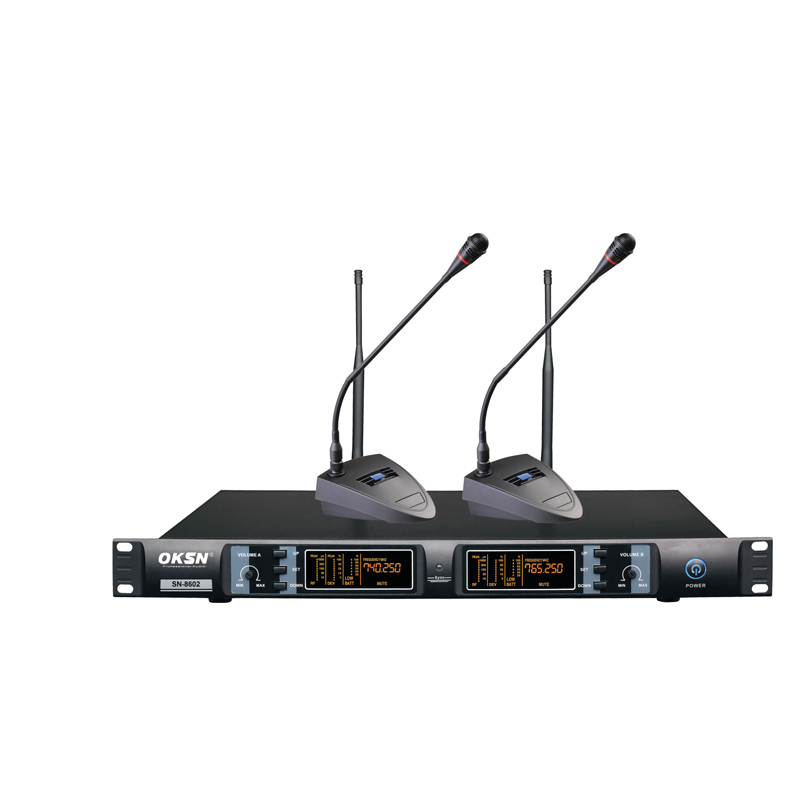
Test the Connection
Once connected and paired, test the setup by speaking into the wired microphone. You should hear your voice amplified through the Bluetooth speaker. Adjust the volume levels on both devices for optimal sound quality.
Congratulations! You've successfully connected your wired microphone to a Bluetooth speaker, unlocking a world of possibilities for your audio setup. Whether you're hosting a karaoke night, conducting presentations, or simply enjoying your favorite tunes, this seamless connection ensures a hassle-free experience.
For top-notch audio equipment, consider oksn products such as the Wired Microphone, Gooseneck Microphone, and Karaoke Microphone. Their superior quality and performance guarantee an exceptional audio experience for all your needs.
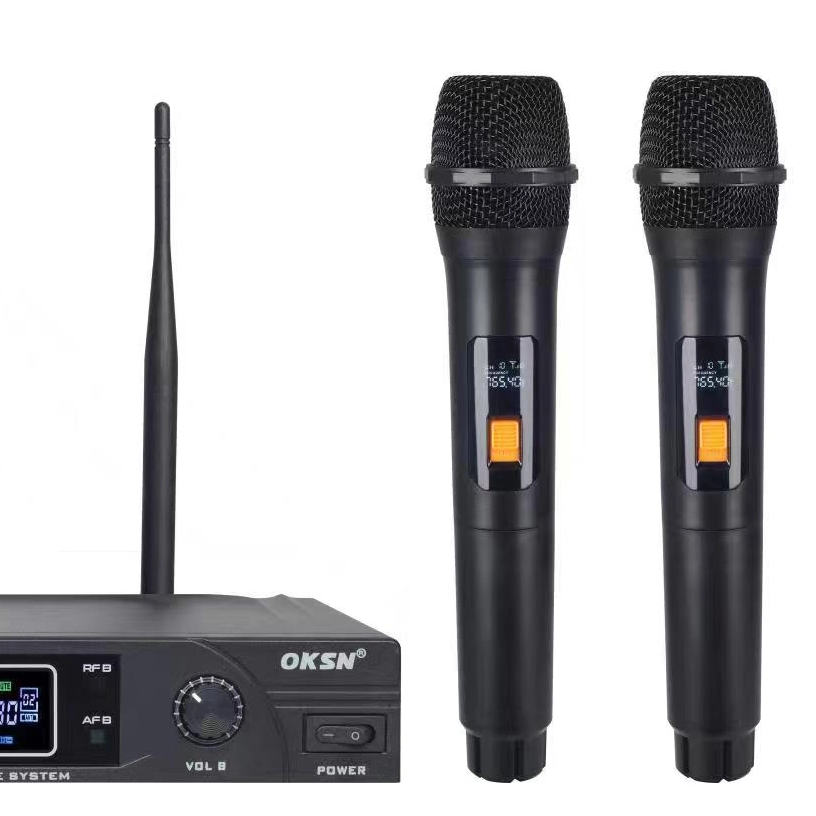
OKSN offers a wide range of premium microphones, including the versatile OKSN Wired Microphone, the flexible OKSN Gooseneck Microphone, and the dynamic OKSN Karaoke Microphone. Each of these microphones is crafted with precision and expertise to deliver exceptional audio performance in various settings. Whether you're hosting a professional event, delivering a presentation, or enjoying a karaoke session with friends, OKSN microphones ensure crystal-clear sound reproduction and reliability. Elevate your audio experience with OKSN microphones, the perfect choice for every occasion.
For inquiries or to purchase oksn products, reach out to Ming via email at sales5@oksn.com.cn
Now, go ahead and amplify your voice with confidence, knowing you've mastered the art of connecting a wired microphone to a Bluetooth speaker!


